XAMPP MySQL Stops: Fix Corrupt Aria Logs Without Deleting Data

The message delete all aria_log files in the log sounds like an instruction to delete them outright and hope everything comes back, which is risky without a backup. The right approach is to back up the whole directory, move the damaged files out, and repair the system tables actually affected.
1-minute summary
- Symptom / problem
- XAMPP MySQL will not start after a power cut and the panel shows red
- Who should read
- XAMPP users whose MariaDB dies by itself and who fear losing data
- Fix in short
- The cause is a corrupt Aria log for system tables, not InnoDB data. Back up everything first, move the bad files out, and repair with aria_chk without deleting any database.
The Windows machine I use to run local websites with XAMPP lost power while MySQL was still running. After restarting the machine and clicking Start MySQL in the control panel, the panel turned red with "MySQL shutdown unexpectedly". Clicking again made no difference. The data in my local project databases mattered more than MySQL itself, so I decided not to delete anything until I knew what was damaged. This article follows what I actually did, from reading the log through completing the repair. The whole process took a few minutes. The command paths assume a default XAMPP installation; if you installed it elsewhere, you will need to adjust them.

Symptoms: the panel is red, but its log says too little
The log opened through the Logs button in the control panel was very short. It only said shutdown unexpectedly, without explaining why. I did not spend more time on it and opened MariaDB's log file directly instead.
Read the actual mysql_error.log
The file to open is mysql_error.log in the MySQL data directory, which is longer and contains more detail.
# ดูท้ายไฟล์ log ที่แท้จริง (ไม่ใช่ log ใน panel)
Get-Content C:\xampp\mysql\data\mysql_error.log -Tail 40

# กรองเฉพาะสองบรรทัดที่บอกสาเหตุ
Select-String -Path C:\xampp\mysql\data\mysql_error.log -Pattern 'Aria recovery failed|Could not open mysql.plugin'
I found two important lines. The first said Aria recovery failed and instructed me to delete all aria_log.######## files. The second was Could not open mysql.plugin table, meaning a system table in the mysql database could not be opened. The first line needs care: it sounds like an instruction to delete the files outright, which is risky without a backup.
Distinguish Aria from InnoDB before doing anything
In the version I was using, MariaDB's system tables in the mysql database used the Aria engine, not InnoDB. The Aria log was damaged during the power outage. The user's InnoDB data was not damaged, and I verified after the repair that mysqlcheck --check reported no errors at all. These two engines use separate sets of logs. If the log mentions the InnoDB redo log, read the InnoDB redo recovery article, because the symptoms and fixes are completely different.
You can identify which files belong to which engine by their extensions in the data directory. Aria tables have .MAI files for indexes and .MAD files for data, while InnoDB stores data in ibdata1 and a separate .ibd file for each table. The affected mysql database was therefore full of .MAI and .MAD files.
# ตารางระบบของ Aria: ดูจากนามสกุล .MAI / .MAD
Get-ChildItem C:\xampp\mysql\data\mysql -Filter *.MAI | Select-Object -First 8 Name, Length

# ไฟล์ log ของ Aria ที่เป็นตัวปัญหา อยู่ที่ราก data
Get-ChildItem C:\xampp\mysql\data -Filter 'aria_log*' | Select-Object Name, Length, LastWriteTime
Once the repair is complete and the server starts, you can query information_schema directly for another check that the system tables use Aria and the project tables use InnoDB.
-- ตารางระบบ: คาดว่าจะเห็นเอนจิน Aria
SELECT table_name, engine
FROM information_schema.tables
WHERE table_schema = 'mysql'
ORDER BY engine, table_name
LIMIT 10;

-- นับตารางของฐานผู้ใช้ตามเอนจิน (ค่านี้ต้องเป็นของ InnoDB เป็นหลัก)
SELECT engine, COUNT(*) AS tables
FROM information_schema.tables
WHERE table_schema NOT IN ('mysql','information_schema','performance_schema','sys')
GROUP BY engine;
Keep in mind that these two sets of SQL statements only work after MariaDB is running. While it still cannot start, you have to rely on file extensions and the log, which is enough to decide whether Aria is involved. I used a simple rule: if the names mentioned in the log were aria_log or mysql.*, I treated it as an Aria issue. If the log mentioned ib_logfile or InnoDB redo, I would follow the different approach described in the redo recovery article above.
The message delete all aria_log files refers only to aria_log files. The files ibdata1 and ib_logfile* belong to InnoDB and have nothing to do with this case. Deleting these two will destroy all InnoDB data in the user databases. Without a backup, that mistake cannot be undone.
Back up the entire data directory before making changes
Before moving or changing anything, I checked Task Manager for any lingering mysqld.exe process, then copied the entire data directory to data_backup_<timestamp>. In this case, it was 762 MB.
# 0) ต้องไม่มี mysqld ค้างอยู่ ถ้ามีผลลัพธ์ ให้หยุดก่อน
Get-Process mysqld -ErrorAction SilentlyContinue

# 1) สำรองทั้งโฟลเดอร์ data (ห้ามทำตอน mysqld ยังรัน)
$ts = Get-Date -Format 'yyyyMMdd_HHmm'
Copy-Item C:\xampp\mysql\data "C:\xampp\mysql\data_backup_$ts" -Recurse
(Get-ChildItem "C:\xampp\mysql\data_backup_$ts" -Recurse | Measure-Object Length -Sum).Sum / 1MB
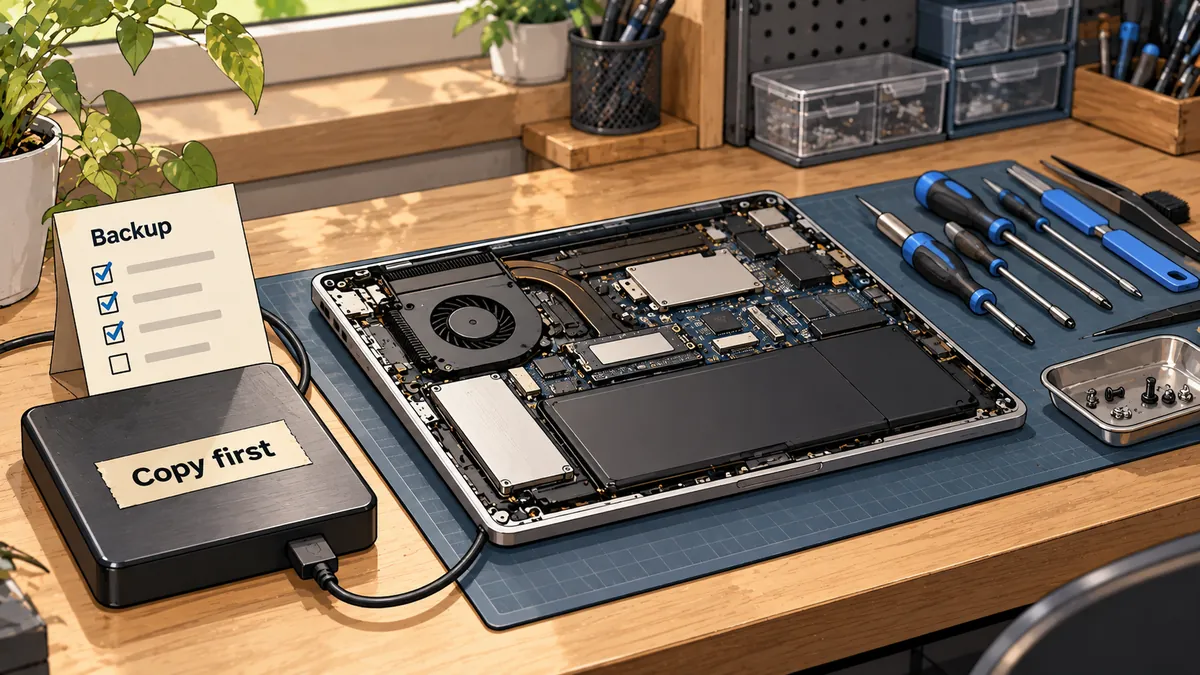
The first rule is never to copy the data directory while mysqld is still running. The files will be in an inconsistent state, and the resulting backup may be unusable.
Repair with aria_chk in 5 steps
These are the steps in the order I actually followed.
- Move
aria_log.00000001andaria_log_controlout of the data directory into the backup directory. Move them, do not delete them. - Enter the data directory and run
aria_chk -o -fon the mysql database's.MAIfiles. - Start MariaDB manually with
--standalonein the background. Wait for the ready for connections line in the log. - Run
mysqlcheck --repairon the mysql database, then--checkon everything. - Run
mysqladmin shutdownso the XAMPP panel can start it normally.
These are the actual commands for moving the files, repairing, and starting the server. I ran them from C:\xampp\mysql.
cd C:\xampp\mysql

# ย้าย log ที่เสียออก (ย้ายไปไว้ในโฟลเดอร์สำรอง ใช้ -Force เพราะมีสำเนาอยู่แล้ว)
Move-Item data\aria_log.00000001 "data_backup_$ts\" -Force
Move-Item data\aria_log_control  "data_backup_$ts\" -Force

# ซ่อมตารางระบบแบบ safe-recover (ต้อง -o ไม่ใช่ -r)
cd data
..\bin\aria_chk.exe -o -f mysql\*.MAI
cd ..

# สตาร์ตแบบมือ ให้รันเบื้องหลัง แล้วรอ ready for connections
Start-Process .\bin\mysqld.exe -ArgumentList '--defaults-file=bin\my.ini','--standalone' -WindowStyle Hidden
do { Start-Sleep 2 } until (Select-String -Path data\mysql_error.log -Pattern 'ready for connections' -Quiet)
Why -o instead of -r? In this case, -r failed on the columns_priv and help_topic tables, so I switched to -o (safe-recover), which succeeded. As for whether the underlying cause involved Aria's sort buffer size, I have not checked MariaDB's documentation, so I cannot confirm that as a general rule.
Check everything, then hand control back to the panel
Once MariaDB was running, I did not just leave it there. I repaired the system tables again with mysqlcheck, then checked every database.
# ถ้าตั้งรหัส root ไว้ ให้เติม -p ทุกบรรทัด
.\bin\mysqlcheck.exe -u root --repair --databases mysql
.\bin\mysqlcheck.exe -u root --all-databases --check

# ปิด mysqld ที่เราเปิดเอง เพื่อให้ XAMPP panel เป็นคนสตาร์ตตามปกติ
.\bin\mysqladmin.exe -u root shutdown
The result was no errors at all, in either the mysql database or the user databases. The final shutdown command matters because leaving mysqld running outside the panel can confuse the panel about what started it, and clicking Start again may cause a conflict. I shut it down, then clicked Start in the panel as usual. The data_backup_<timestamp> directory can be deleted after everything has been running normally for a while.
Delete aria_log and hope it recovers
Quick, and it might work too. But without a backup, if the system tables have deeper problems, there is no way back.
Back up, move, repair, then check
It takes a few more minutes, but every step can be undone, and it ends with evidence that mysqlcheck reports no errors, not just a green panel.
Prevent it from happening again
The cause here was a power outage or an unclean shutdown while MySQL was still running. The most direct prevention is to click Stop MySQL in the XAMPP panel every time before shutting down the machine or unplugging it. If power outages are frequent, consider a UPS. One general practice I can add is to periodically back up the entire data directory while MySQL is stopped. That was not part of this case, but it gives you a more recent recovery point next time.
Summary
MySQL stopping unexpectedly in XAMPP after a power outage does not mean the data is damaged. Open the actual mysql_error.log first. If you see Aria recovery failed and Could not open mysql.plugin table, it means the problem is with the system tables, not InnoDB. Back up first, move the aria_log files out, repair with aria_chk -o -f, check with mysqlcheck, then let the panel handle startup again. If you want to skip the backup because there is nothing important on the machine, that depends on how much risk you can accept. I do not skip it.
I have not yet tested whether the same procedure works with other XAMPP versions, and I did not time each command. If you encounter a different case, I will come back and update this later.
Want us to set this up?
Get help with server setup, configuration, migration, or troubleshooting. Save time for the work that matters.
Hit something like this? Stuck somewhere?
Come trade notes on the LinuxThai board

Comments 0
No comments yet — be the first