Changing Quota via the DA API Silently Disables redis and Login Keys
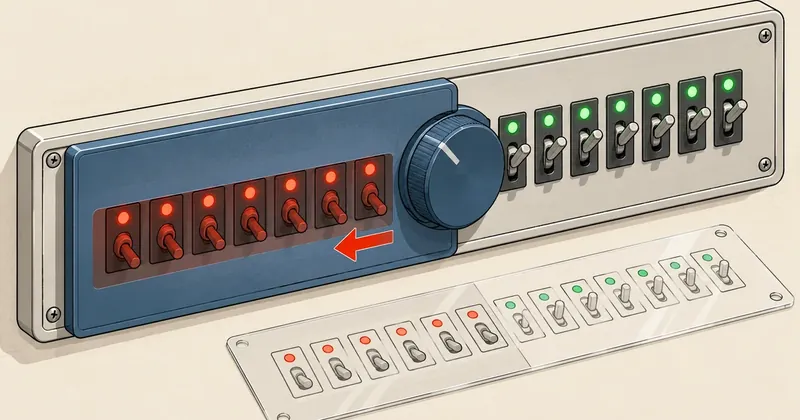
Changing a single value through an API designed to receive the full set means betting that I have read every value it accepts. In this case, the read API omits switches that the write API still interprets as off.
1-minute summary
- Symptom / problem
- Changing a quota through the DA API silently turned off redis access, login keys and suspend_at_limit.
- Who should read
- People scripting user changes through the DirectAdmin API.
- Fix in short
- CMD_API_MODIFY_USER in customize mode treats omitted switches as off, so send the full set as the reseller and confirm with a user.conf diff and repquota.
The server owner asked me to increase the disk quota for two hosting accounts that were already over their limits. One was at around 111% and the other around 105% of quota. DirectAdmin allows a grace period after an account exceeds its quota (7 days by default). After that, the account cannot write files or receive mail. I chose to use a short script through the API instead of changing fields one by one in the panel. The quotas changed as intended, but when I diffed user.conf before and after, other permissions had disappeared too, even though nobody had asked to change them.
I have replaced all real usernames, reseller names and quota figures with example values (webuser, reseller-a, 2000 to 4000 MB). The API mechanism and behavior are real.
Symptoms: the quota changed, but other switches disappeared too
My script always backs up user.conf first and runs a diff afterward. The results after increasing the quotas differed between the two accounts.
- On the first account,
login_keysandsuspend_at_limitchanged to OFF. I set them back to ON to match their original values. - On the second account,
redis=ONdisappeared from the file, and I could not restore it using the owner's account because the reseller who created this account did not have the redis feature to assign.
# บัญชีแรก: diff user.conf ก่อน (<) กับหลัง (>)
< login_keys=ON
< suspend_at_limit=ON
> login_keys=OFF
> suspend_at_limit=OFF

# บัญชีที่สอง: บรรทัดนี้หายไปจากไฟล์เลย
< redis=ON
One detail about redis matters here: this switch is tied to that user's service. When the flag was turned off, [email protected] stopped too. Applications using redis for that account's cache or sessions would start having problems without any warning from the API. I have covered per-user redis on DirectAdmin separately in Per-user Redis on DirectAdmin Without Buying pro_pack. This article focuses on how that flag disappeared.
If I had not written the script to diff before and after, I would never have known about this. The panel still showed the new quota correctly.
Three wrong assumptions
Before I saw what had happened, I had three mistaken assumptions, all of which sounded reasonable.
- I thought the read API returned everything the write API accepted. It does not.
- I thought changing one field would leave the others unchanged, as it seems to when using the panel.
- After the change, the owner asked me to enable SSH for both accounts again, so I thought SSH access might have disappeared too. But checking showed there was nothing to restore. SSH had never been touched. I tested actual logins and could get in.
The third point was not damage, but it is why I always test an actual login instead of guessing from values in a file. The first two assumptions caused the whole problem.
The cause: customize replaces the entire set
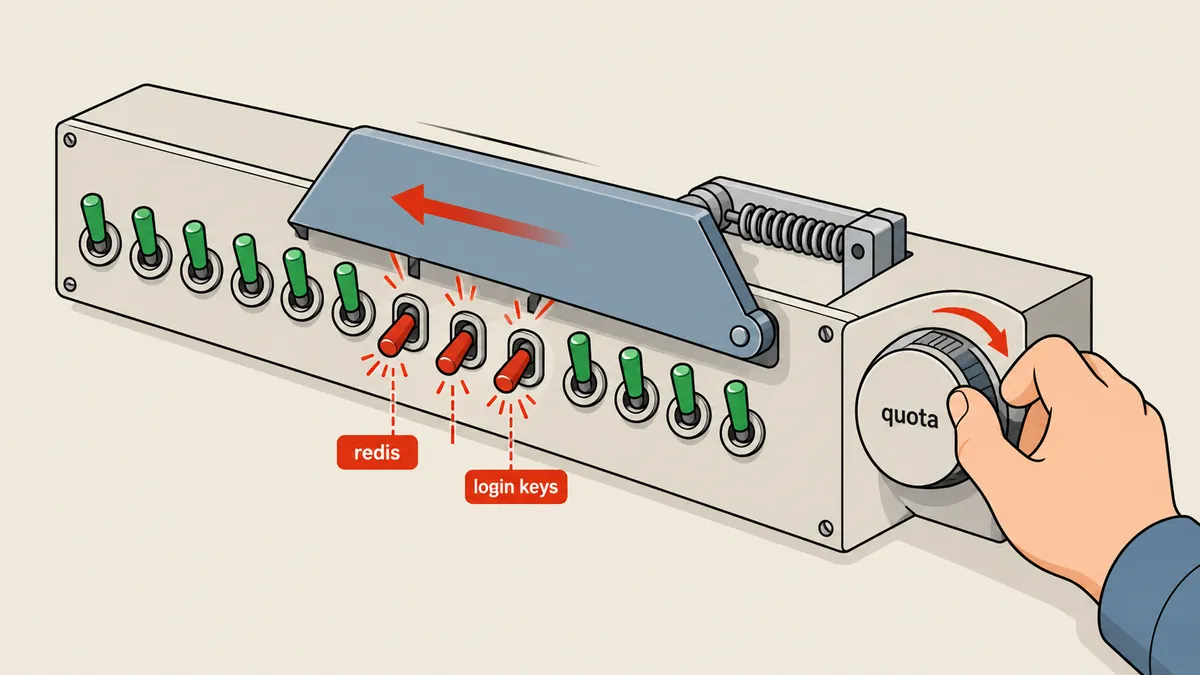
CMD_API_MODIFY_USER with action=customize does not update only the fields sent. It replaces the user's entire set of limits and switches with what is in the POST. Any switch omitted is interpreted as OFF. The most natural approach seems to be to GET the current values, change the quota, then POST them back. The problem is that CMD_API_SHOW_USER_CONFIG does not return all the switches. redis, login_keys and suspend_at_limit are absent from its output.
# วิธีที่ดูถูกแต่ผิด — อ่านแล้วส่งกลับ
CFG=$(curl -sk -u "$K" "$B/CMD_API_SHOW_USER_CONFIG?user=webuser")
# ... แก้ quota ใน $CFG แล้ว POST กลับ
curl -sk -u "$K" "$B/CMD_API_MODIFY_USER" -d action=customize -d user=webuser \
     -d quota=4000 -d bandwidth=... -d ssh=ON      # ไม่มี redis / login_keys / suspend_at_limit
# ผล: สามตัวที่ไม่ได้ส่งกลายเป็น OFF
Do not assume that anything GET does not show does not exist, or that anything omitted from POST stays unchanged. Both assumptions fail here. Permissions disappear silently, with no error and no warning. The source of truth for switches is user.conf, not the API output.
Why act as the reseller?
This was another point I nearly overlooked. Every hosting account in DirectAdmin is owned by the reseller who created it, recorded in user.conf on the creator= line. A reseller can modify only their own users, and the features a user can receive cannot exceed the reseller's permissions. Instead of using an admin login for all the requests, I obtained an API login for the reseller who owned each account.
The advantage is that if a reseller cannot assign a switch, the diff reveals it immediately, without an admin's unrestricted permissions masking it. The downside is having to obtain several sets of logins, which I consider worthwhile because it matches DirectAdmin's permissions design.
Another small detail is that an unlimited value for a numeric limit must be sent using a name prefixed with u and set to ON, such as uquota=ON, instead of sending a number. The script handles this separately; otherwise, a user who previously had no limit would end up with a numeric limit.
A safe procedure
After this incident, I rewrote the script to treat user.conf as the source of truth for switches and use the API only to send the values. There are eight steps.
- Back up the user's
user.confto a folder with a timestamp in its name (mode 700), along with a RESTORE file. - Read
creator=fromuser.conf, because the operation must run as the reseller who created this user (a reseller can modify only their own users, and features depend on the reseller's permissions). - Obtain that reseller's API login with
directadmin api-url --user=reseller-a. - Get numeric values (bandwidth, quota, vdomains, etc.) from SHOW_USER_CONFIG. For ON/OFF switches, read
user.conffirst, then fall back to the API. - POST
action=customizewith the new quota. - Diff
user.confbefore and after, excludingdate_,last_andip=lines. - Run
repquota -s /hometo check the user's used, soft, hard and grace values. - Test actual user logins (SSH, FTP) and check that
redis@webuseris still running.
Step 3 needs particular care. The api-url command prints a URL containing the reseller's login key. This key is equivalent to a password. Never save it in logs, paste it into chat or include it in an article. I keep it only in a script variable and always remove it from printed output.
The script I use is around 30 lines long. I have reduced it to the core of this issue: separating what comes from the API from what comes from user.conf.
#!/bin/bash
# da_set_quota.sh <user> <quota_MB> [old_user.conf]
U=${1:?user}; Q=${2:?quota MB}
R=/usr/local/directadmin/data/users/$U
CR=$(grep -m1 '^creator=' $R/user.conf | cut -d= -f2)          # reseller เจ้าของ

D=/root/snapshots/$(date +%Y%m%d-%H%M%S)-quota-$U; mkdir -p "$D"; chmod 700 "$D"
cp -a $R/user.conf "$D/"

URL=$(/usr/local/directadmin/directadmin api-url --user="$CR" 2>/dev/null | tail -1)   # มี login key
B=$(echo "$URL" | sed -E 's#https?://[^@]+@([^/]+).*#https://\1#')
K=$(echo "$URL" | sed -E 's#https?://([^@]+)@.*#\1#')
CFG=$(curl -sk -u "$K" "$B/CMD_API_SHOW_USER_CONFIG?user=$U")

ARGS=(-d action=customize -d "user=$U")

# 1) ตัวเลข: จาก API; "unlimited" ต้องส่งเป็น u<ชื่อ>=ON
for f in bandwidth quota vdomains nsubdomains nemails nemailf nemailml nemailr mysql domainptr ftp inode; do
  v=$(echo "$CFG" | tr '&' '\n' | grep -m1 "^$f=" | cut -d= -f2)
  [ "$f" = quota ] && v=$Q
  if [ "$v" = unlimited ]; then ARGS+=(-d "u$f=ON"); else ARGS+=(-d "$f=$v"); fi
done

# 2) สวิตช์ ON/OFF: จาก user.conf ก่อน (หรือไฟล์เก่าที่ส่งมาเป็นอาร์กิวเมนต์ที่ 3) แล้วค่อย fallback API
for f in aftp cgi php spam cron catchall ssl ssh sysinfo dnscontrol login_keys suspend_at_limit git redis wordpress clamav jail; do
  v=$(grep -m1 "^$f=" "${3:-$D/user.conf}" | cut -d= -f2)
  [ -z "$v" ] && v=$(echo "$CFG" | tr '&' '\n' | grep -m1 "^$f=" | cut -d= -f2)
  [ -n "$v" ] && ARGS+=(-d "$f=$v")
done

curl -sk -u "$K" "$B/CMD_API_MODIFY_USER" "${ARGS[@]}" >/dev/null
After the POST, the same script prints the changes in user.conf and the actual filesystem quota. These two checks caught this issue, and I want anyone making changes through the API to include them.
sleep 2
echo "changed in user.conf:"
diff <(grep -vE '^(date_|last_|ip=)' "$D/user.conf" | sort) \
     <(grep -vE '^(date_|last_|ip=)' $R/user.conf     | sort) | grep '^[<>]' | sed 's/^/  /'

repquota -s /home 2>/dev/null | awk -v u=$U '$1==u {print "  fs quota: used="$3" soft="$4" hard="$5" grace="$6}'
echo "cp -a $D/user.conf $R/user.conf  # แล้วรันซ้ำด้วยโควตาเดิม" > "$D/RESTORE.md"
The approach that failed
- Switches omitted by the API become OFF.
- The user's redis stops.
- Nobody knows until someone complains.
The approach I use now
- Read switches from the backup file.
- Diff before and after every time.
- Keep a RESTORE file ready for rollback.
Verify at the filesystem, not just in the panel
The script also prints repquota -s, because the quota in the panel and the actual filesystem quota are stored separately. If the API reports success but the filesystem does not change, the user will still be unable to write files even though the panel shows the new number. When I set soft to 4000M, hard showed 4400M, which is 10% above soft as configured on this system, confirming that the filesystem quota had actually changed.
fs quota: used=2220M soft=4000M hard=4400M grace=
If a rollback is needed, it is straightforward. Put the backed-up user.conf back in its original location, then rerun the script with the original quota. Restoring the file alone rolls back only the values in the file. The filesystem quota must be applied again; otherwise, the previous value remains on the filesystem side.
A trap the diff reveals but cannot fix on its own
The second account taught me something else. A reseller who does not have a feature to assign cannot restore that feature to their own user. Acting as the reseller therefore has a limitation that needs to be understood in advance. The way to spot it is to look for lines still missing in the diff after the script runs. The fix is to restore the flag as an admin or give the reseller that feature first. I previously covered writing values to DirectAdmin through the panel's own forms in Writing to DirectAdmin When the API Only Supports Reads: Driving the Panel Form. That article concerns packages rather than users, but the principle is the same: if the API is incomplete, I need to know where the gaps are.
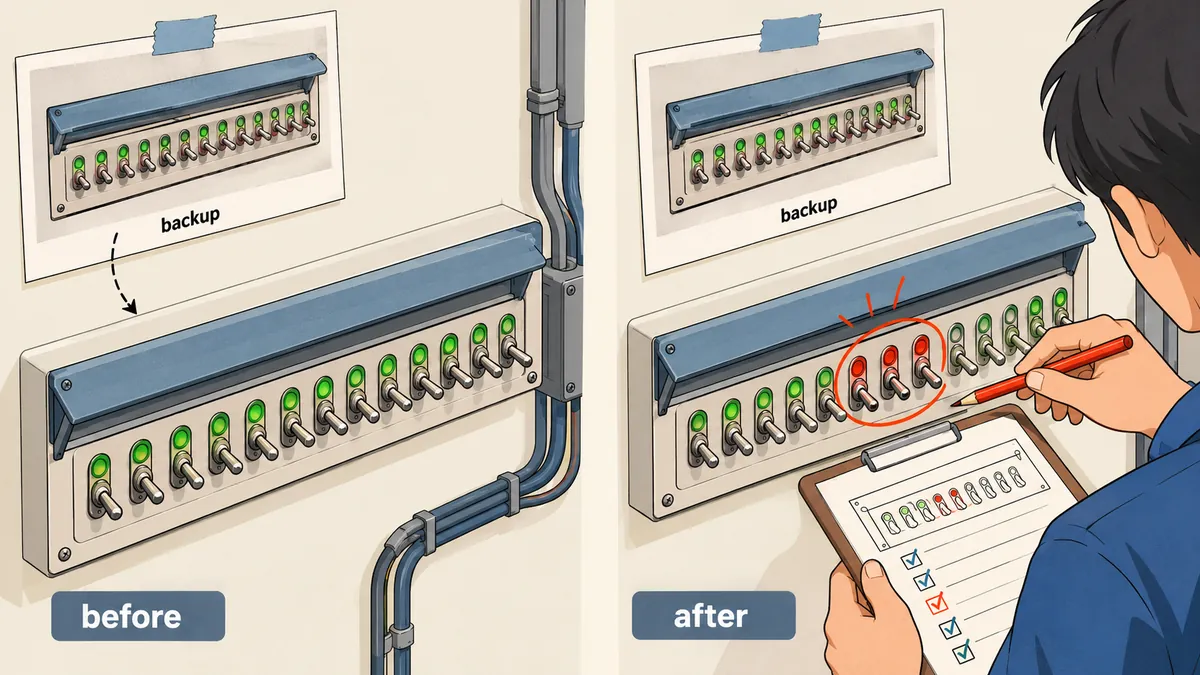
Before looping over multiple accounts, try changing an unimportant value for one user first, then read the diff carefully for any lines that changed unintentionally. Accounts using different features will lose different switches, which is not something I want to discover while working on real customer accounts.
The takeaway
An API designed to receive a full set of values requires me to know what that set contains. When the read side does not return every value, I have to fill the gaps from another source. In this case, that source is the user.conf file maintained by DirectAdmin itself. These are the practices I will keep using.
- Before making changes through
action=customize, always back upuser.confand read ON/OFF switches from the file rather than SHOW_USER_CONFIG. - Act as the reseller who owns the user (
creator=), and remember that a reseller cannot assign a feature they do not have. - Diff before and after, excluding
date_,last_,ip=, then read every remaining line. - Verify quota with
repquota -s, because the panel quota and filesystem quota are separate. - Always test actual logins and the user's services (such as redis) after making changes.
Feel free to use my script as a template or write your own to suit the switches on your server. But without a before-and-after diff, I would not recommend letting a script modify real users. If I have left anything out or made a typo, I will come back and correct it later.
Want us to set this up?
Get help with server setup, configuration, migration, or troubleshooting. Save time for the work that matters.
Hit something like this? Stuck somewhere?
Come trade notes on the LinuxThai board



Comments 0
No comments yet — be the first