Deploying Laravel via tar with Pail, Filament, and Cached Objects

The first deployment of a small Laravel site using a tarball exposed four traps unrelated to business logic. I describe the symptoms, causes, and script structure that makes rollback possible
1-minute summary
- Symptom / problem
- A first tarball deploy of Laravel (built with --no-dev) to DirectAdmin hit errors unrelated to business code.
- Who should read
- People deploying a Laravel app that uses Filament to a DirectAdmin host.
- Fix in short
- Fix four traps, namely the packages.php cache from the dev machine, Filament injecting closures by parameter name, Laravel 13 refusing objects from cache, and Options in .htaccess causing 500.
An old CMS used by a small organization was hacked, so I rebuilt the site with Laravel and Filament, storing data in SQLite with no third-party plugins, then deployed it to a DirectAdmin host as a tarball built on my Windows development machine. It sounds straightforward, and it really is, apart from four small traps that took up time during the first deployment.
I am leaving out the organization’s name, domain, and site content, keeping it to “the compromised old CMS” and “the new site,” because the lesson has nothing to do with whose site it was. All usernames, IP addresses, and paths in this article are generic examples that I have substituted.
A deployment setup that works in practice
I will start with the setup, because all four traps occur at the boundaries between these steps. The principle is to build cleanly on the dev machine, send a single file, and let a server-side script running as root decide what to preserve from the previous release.
On Windows, I run this script, which copies the app into a build folder, excludes anything that should not be deployed, and installs only production dependencies.
$src   = 'C:\dev\myapp'
$build = 'C:\build\myapp'

Remove-Item $build -Recurse -Force -ErrorAction SilentlyContinue
# ไม่เอา vendor, .env, ไฟล์ sqlite, log และแคชของ bootstrap ไปด้วย
robocopy $src $build /E /XD vendor node_modules .git logs /XF .env *.sqlite /NFL /NDL /NJH /NJS | Out-Null

Push-Location $build
composer install --no-dev --optimize-autoloader --no-interaction
# แคชรายชื่อแพ็กเกจต้องถูกสร้างใหม่ที่ปลายทาง ไม่ใช่เอามาจากเครื่อง dev (ดูกับดักข้อ 1)
Remove-Item bootstrap\cache\packages.php, bootstrap\cache\services.php -Force -ErrorAction SilentlyContinue
Pop-Location

tar -czf C:\build\app.tgz -C $build .
Either pscp or scp works for uploading. The upload step has its own trap involving filename collisions, which I covered separately in the article on pscp overwriting files with the same name, so I will not repeat it here. On the server, the script runs as root.
#!/bin/bash
# deploy-app.sh <app.tgz>   (รันด้วย root)  ตัวอย่างกลางๆ
set -euo pipefail
U=webuser; D=example.com; H=/home/$U/domains/$D; APP=$H/laravel_app; PHP=/usr/local/php84/bin/php
TS=$(date +%Y%m%d-%H%M%S); NEW=$H/laravel_app.new.$TS
as()  { runuser -u $U -- "$@"; }
art() { (cd "$APP" && as $PHP artisan "$@"); }

mkdir -p "$NEW" && tar -xzf "$1" -C "$NEW"
mkdir -p "$NEW"/storage/logs "$NEW"/storage/framework/{sessions,views,cache/data} "$NEW"/bootstrap/cache
chown -R $U:$U "$NEW"

if [ -d "$APP" ]; then
  # อัปเดต: เก็บ .env ฐานข้อมูล และไฟล์ที่ผู้ใช้อัปโหลดไว้
  cp -a "$APP/.env" "$NEW/.env"
  cp -a "$APP/database/database.sqlite" "$NEW/database/database.sqlite"
  rm -rf "$NEW/storage/app/public"; cp -a "$APP/storage/app/public" "$NEW/storage/app/public"
  rm -rf "$H/laravel_app.prev"; mv "$APP" "$H/laravel_app.prev"; mv "$NEW" "$APP"
else
  mv "$NEW" "$APP"      # ติดตั้งครั้งแรก: สร้าง .env และ APP_KEY แยกอีกขั้น
fi

chmod 600 "$APP/.env"; chmod 750 "$APP/database"; chmod 640 "$APP/database/database.sqlite"
ln -sfn ../storage/app/public "$APP/public/storage"

art migrate --force
art optimize:clear >/dev/null
art config:cache; art route:cache; art view:cache
systemctl reload php-fpm84

# ตรวจกับเซิร์ฟเวอร์นี้จริง ไม่ผ่าน DNS
for u in / /admin/login /.env; do
  printf '%-20s %s\n' "$u" "$(curl -sk -o /dev/null -w '%{http_code}' --resolve $D:443:203.0.113.10 "https://$D$u")"
done
I did not put the initial administrator password in the script. On the first installation, I read it from a file that only root can read, then delete it with shred after use. On updates, the script leaves the previous release’s .env and database untouched. I always keep the old release as laravel_app.prev, which is my only way back.
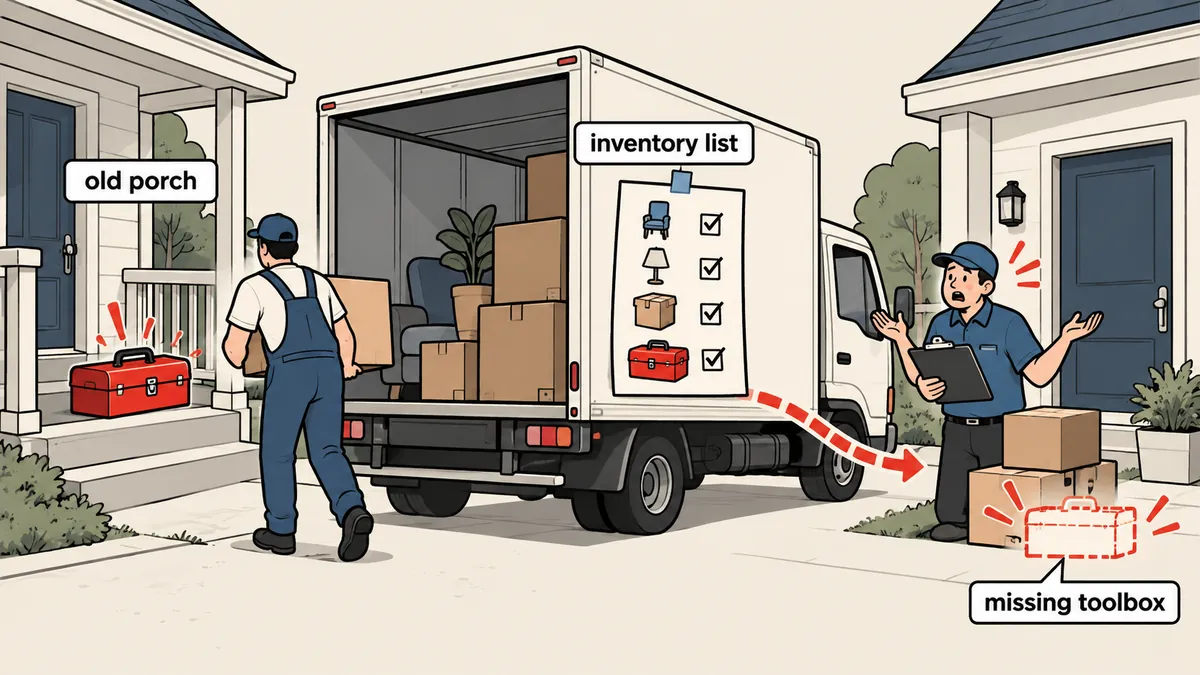
Four traps unrelated to business logic
I have summarized them in one diagram first, then I will go through what happened, how I verified it, and where I made the fix.
Trap 1: Pail not found despite building with --no-dev
The symptom was that the app would not boot on the server, with an error saying the class Laravel\Pail\PailServiceProvider could not be found. At first, that message made me wonder whether --no-dev had worked, but vendor/ on the server really did exclude Pail, as intended. The question was why the app was still looking for it. The answer was in bootstrap/cache/packages.php and services.php, two files Laravel generates during package discovery. They contained the list of providers discovered on the dev machine, including Pail, and I had copied both files along with the entire folder.
The fix is to leave these two files out of the deployment entirely. Exclude them during copying, then delete them again after composer install in the build folder, as in the script above, and let Laravel regenerate them at the destination during boot or when running package:discover.
If you encounter this error and run composer install with dev dependencies on the production server, the app will boot, but you have just brought along unnecessary dependencies, adding attack surface for no benefit. Fix the cache files that should never have been deployed in the first place.
Trap 2: Filament injects closure parameters by name
The difficult part here is that the error does not point to Filament at all. A callback written like this in a resource fails.
// ผิด: Filament หาตัวแปรจาก "ชื่อ" พารามิเตอร์ ไม่ได้ดูแค่ type
Select::make('category_id')
    ->relationship('category', 'name', modifyQueryUsing: fn (Builder $q) => $q->where('active', true));

// ถูก: ใช้ชื่อที่ Filament รู้จัก
Select::make('category_id')
    ->relationship('category', 'name', modifyQueryUsing: fn (Builder $query) => $query->where('active', true));
When the parameter name $q does not match a name Filament recognizes, such as $query $record $state $livewire, it does not inject the correct value. The result is a strange message about calling a method on null, which gives no obvious clue that Filament is involved. My rule now is to always name closure parameters in Filament as documented, then add types if needed. I did not retest this while writing the article. This information comes from project notes I made when I encountered the problem, so please check the documentation for the Filament version you use.
Trap 3: Laravel 13 refuses to return objects from cache
An Eloquent collection that I could previously store in Cache::remember came back as __PHP_Incomplete_Class in Laravel 13. I traced through the framework source and confirmed two facts. Every cache store calls unserialize($value, ['allowed_classes' => ...]), and the list of allowed classes comes from config('cache.serializable_classes'). As for the default value in the skeleton, I am relying on my project notes—it restricts classes rather than allowing all classes—and have not verified it again.
// เดิม: เก็บ collection ของ model ลง cache
$latest = Cache::remember('news.latest', 600, fn () => Post::latest()->take(5)->get());

// แก้: เก็บเป็น array ล้วน ใช้ข้อมูลตอนแสดงผลจาก array
$latest = Cache::remember('news.latest', 600, fn () => Post::latest()->take(5)->get()->toArray());
Another option is to specify the allowed classes yourself using serializable_classes in config/cache.php. I chose to store arrays because it is simpler and avoids allowing any additional classes to be unserialized, which is consistent with the framework’s reason for imposing the restriction in the first place.
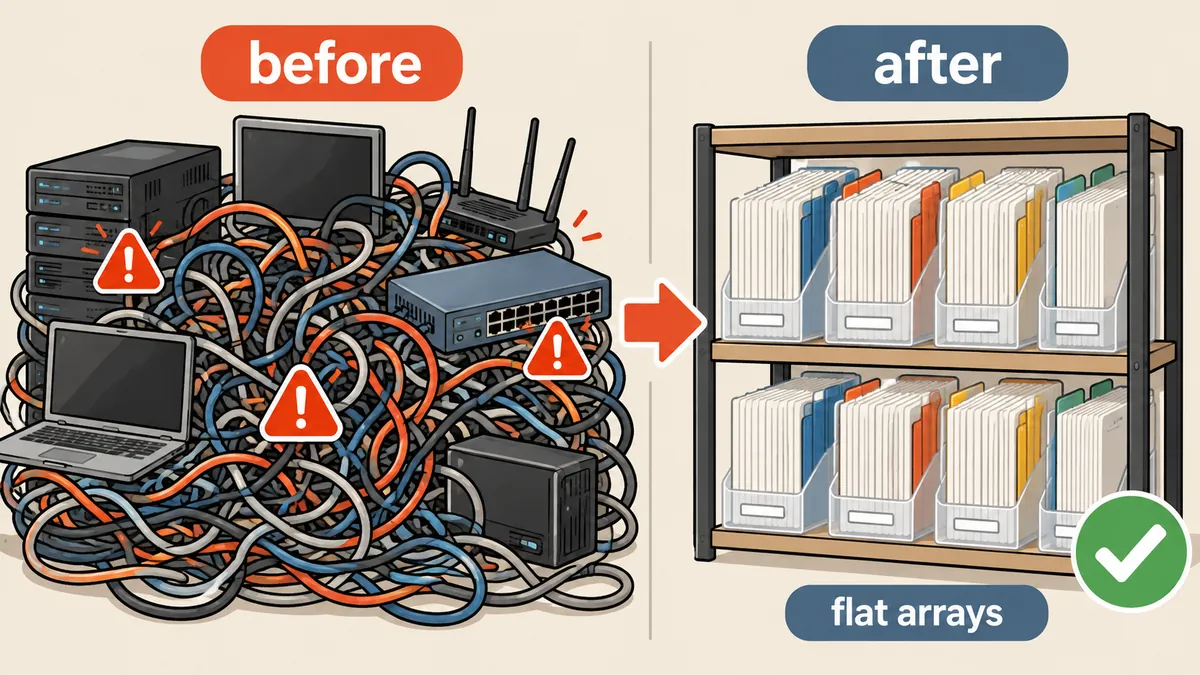
Trap 4: Options in .htaccess causes 500 errors
Lines such as Options -Indexes or +FollowSymLinks in .htaccess cause pages to return 500 on the DirectAdmin host because the host’s Apache configuration sets AllowOverride without including Options, so .htaccess is not allowed to control this behavior. The fix is to remove the line, without looking for somewhere else to put it.
The uploads folder needs a separate measure: preventing anything inside it from running as PHP. I put a dedicated .htaccess in that folder with a FilesMatch block denying dangerous extensions, which works on this host and does not use the Options directive at all.
# storage/app/public/.htaccess  ไฟล์ที่ผู้ใช้อัปโหลดต้องไม่ถูกรันเป็นสคริปต์
<FilesMatch "\.(php\d?|phtml|phar|pl|py|cgi|sh)$">
    Require all denied
</FilesMatch>
Switching from the old CMS to the new app with a way back
On the first installation, my script creates a new .env with an APP_KEY I generate randomly, then sets the values appropriate for production, several of which differ from those on the dev machine.
APP_ENV=production
APP_DEBUG=false
APP_URL=https://example.com
APP_TIMEZONE=Asia/Bangkok
LOG_CHANNEL=daily
LOG_LEVEL=warning
DB_CONNECTION=sqlite
SESSION_DRIVER=database
SESSION_SECURE_COOKIE=true
SESSION_ENCRYPT=true
CACHE_STORE=file
QUEUE_CONNECTION=sync
# APP_KEY=<สร้างด้วย php artisan key:generate --show แล้วใส่เอง ห้ามคัดลอกจากเครื่อง dev>
To take the old site out of the web root, I move it rather than delete it, putting it outside the web-accessible area, setting its permissions to 700, and using a symlink to point public_html to laravel_app/public. The single rollback command removes the symlink and moves the original folder back. I consider a compromised site something that should no longer be left accessible, but should not be deleted along with all the evidence either. I keep it for someone to inspect later.
OLD=/home/webuser/old_cms_$TS
mv "$H/public_html" "$OLD" && chmod 700 "$OLD"        # เก็บของเดิมไว้ ปิดจากเว็บ
ln -s laravel_app/public "$H/public_html"
chown -h webuser:webuser "$H/public_html"

# ย้อนกลับ
# rm "$H/public_html" && mv "$OLD" "$H/public_html"
I chose a tarball over git pull on the server for two personal reasons: I did not want the code repository and commit history on an internet-facing machine, and I wanted to know for certain that I was deploying something that had already built successfully on my machine, rather than rebuilding on a server whose tool versions might differ. If you prefer git pull, that is fine. Just remember that traps 1 through 4 below can happen regardless of how you deploy.
Check correctly, keep rollback possible, and stop leaving fixes local
After every deployment, I check with curl --resolve host:443:IP, connecting directly to this server’s address. Do not send the request to 127.0.0.1 with a Host header, because on a host with multiple virtual hosts, it may land on a different vhost and return a misleading 404, wasting time investigating the wrong place. I always check three locations: that the homepage loads, that the administrator login page opens, and that /.env does not return 200, because if the docroot points just one level too high, the configuration file containing APP_KEY will be served to the whole world. This is why my script points public_html to laravel_app/public rather than the entire app folder, and these checks take less than a second.
# ตรวจตรงกับเซิร์ฟเวอร์ (ตัวอย่างกลางๆ)
curl -sk -o /dev/null -w '%{http_code}\n' --resolve example.com:443:203.0.113.10 https://example.com/
curl -sk -o /dev/null -w '%{http_code}\n' --resolve example.com:443:203.0.113.10 https://example.com/.env

# ย้อนกลับ: สลับ release เดิมกลับมา
cd /home/webuser/domains/example.com
mv laravel_app laravel_app.bad && mv laravel_app.prev laravel_app
systemctl reload php-fpm84
This rollback only rolls back code. If the release just deployed includes a migration that changes the table structure, you need to consider separately whether the old code can read the new tables. Another thing to know is that switching folders with two mv commands leaves a brief period when the current folder does not exist. The principle is that switching with a rename on the same filesystem leaves no gap, while moving folders in two steps leaves a short one. If you want no gap at all, switch using a symlink instead of moving folders. I can accept this gap for a small site, but I would not recommend this setup for a site with constant traffic.
- Build on the dev machine with
--no-devand do not copybootstrap/cache/*.php - Send a single tarball, checking first that its filename does not overwrite an existing file
- Have the server-side script extract it into a new folder, then copy
.env, the database, and uploaded files from the previous release - Switch releases, keep the old one as
.prev, then migrate and build caches - Check with
curl --resolveon the homepage, administrator login page, and a page that must be denied - If a problem appears, roll back first, then investigate the cause
Another point, unrelated to the technical details but one I keep as a reminder, is that the site owner was unhappy when I fixed bugs locally and then took too long to deploy them to the live site. A small fix that has not reached the live site is still unfixed in the eyes of the people using it. With a deployment script like the one above that finishes in one run, I should deploy small fixes right away instead of waiting to bundle them into a larger update.
While writing a patch script through a tool that sends multiline text, I ran into backslashes being swallowed in a heredoc, breaking the Python script. What worked was writing the script to a file and then running it, rather than passing it through the command line.
If I had to sum up this experience, I would say all four traps share one thing: none of them is a bug in the code I wrote. They are assumptions about the environment that change when moving from the dev machine to production. Use rsync or git pull instead of tar if you prefer, but all four traps will still be waiting in the same places. I will come back and add more fixes later.
Want us to set this up?
Get help with server setup, configuration, migration, or troubleshooting. Save time for the work that matters.
Hit something like this? Stuck somewhere?
Come trade notes on the LinuxThai board



Comments 0
No comments yet — be the first